



















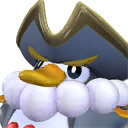







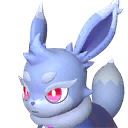


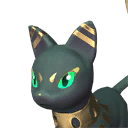


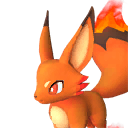


























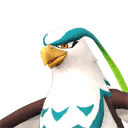

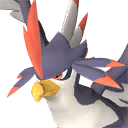

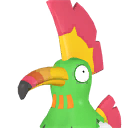
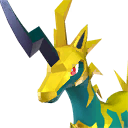





















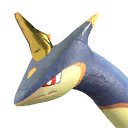

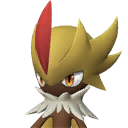






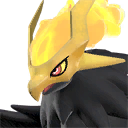




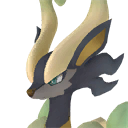





















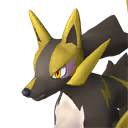


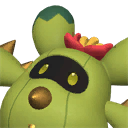






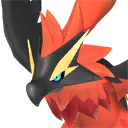



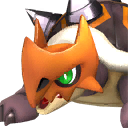












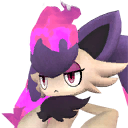











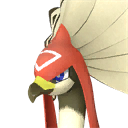






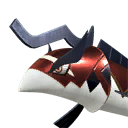
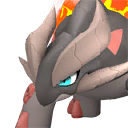



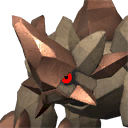


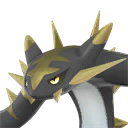





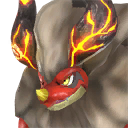



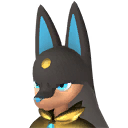


















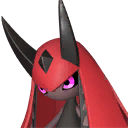
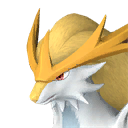



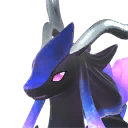








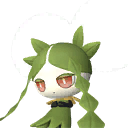








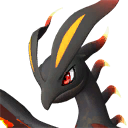





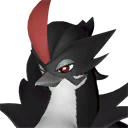









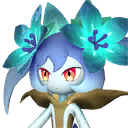
























Use the Palworld breeding chart as a searchable directory
A Palworld breeding chart is easiest to use when it begins with the Pal you recognize. Search by name or Paldeck number, confirm the portrait, and open that species in Find Parents. The current roster contains 300 selectable entries, including variants, and marks all 72 version 1.0 additions. This turns a wall of names into a useful starting point for forward, reverse, and chain planning.
Use the chart when you are browsing several targets or checking the roster. Use the calculator when you already have a precise pair. Keeping those jobs separate lets the directory provide context without slowing the first answer from the tool.
Read the Pal cards and filters
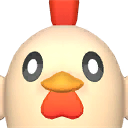
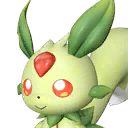
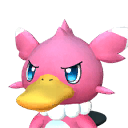
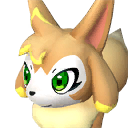
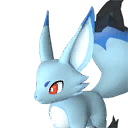
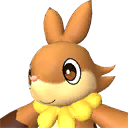
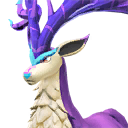
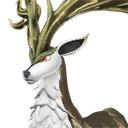
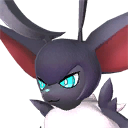
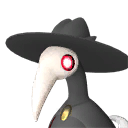
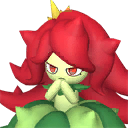
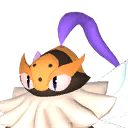
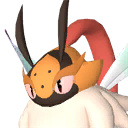
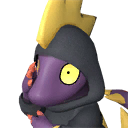
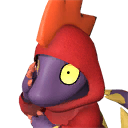
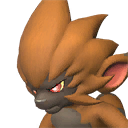
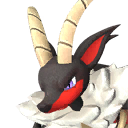
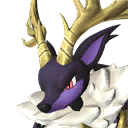
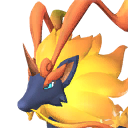
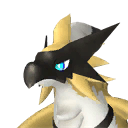
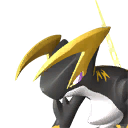
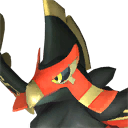
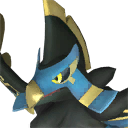
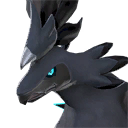
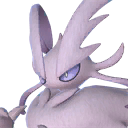
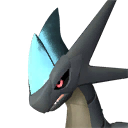
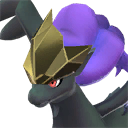
Read each card from portrait to full English name and Paldeck number, then check the variant or New 1.0 badge. Open the breeding link to see possible parents for that species. Portraits and numbers are especially useful when a base Pal and its variant share a familiar word but lead to different combinations.
Filter by name first, then narrow to version 1.0 entries when you are learning the release roster. If two names look similar, open both in separate tabs and compare the complete labels before selecting parents. Never substitute a variant merely because its art resembles the base species.
Move from a Pal entry to the right calculator
Open Find Parents when the selected Pal is your target. Open Find a Child when the selected Pal is one of two parents you already chose. Open Plan a Chain when you want to reach the target from your own collection. Starting from the chart keeps the portrait and exact species name in view, which reduces mistakes with variants.
For a quick route, compare the direct pairs first and mark those with two owned parents. If none are practical, move the same target into the chain planner. Keep passive inheritance as a second decision: the pair that reaches the species fastest may not include the traits you want.
Recognize variants and version 1.0 entries
A variant is a separate selection even when part of its name and appearance resembles another Pal. Use the complete label and portrait before opening a combination. The New 1.0 badge identifies entries recorded as introduced with version 1.0; it does not mean that the Pal necessarily uses an ordinary breeding pair or that it can be bred at all.
Use the version filter to isolate the 72 New 1.0 additions from the 300 selectable entries. The larger roster includes base species and variants, so it is normal for that selectable total to differ from a count that includes only unique base Pals. Exact names remain more important than the headline number when checking a breeding pair.
Use the chart to organize more than one project
Players often work toward several targets at once. Open likely targets in separate tabs or save their links, then compare whether the same parent or intermediate child appears in more than one route. A shared parent can reduce preparation, and a useful intermediate Pal can turn one breeding project into the start of another.
Do not rank targets only by the number of available pairs. A species with many combinations may still be inconvenient for your collection, while a special target can be straightforward when its required parents are already owned. The chart helps discovery; the reverse list and chain planner handle the decision.
Check the version date before using an old route
Check the game version and last-updated date before following a route saved from an older chart. A July 2026 result matches the current version 1.0 roster; a later patch may require another lookup. This matters most for new Pals, variants, and the gender-specific Wixen and Katress pairing.
If a portrait, name, or breeding link looks wrong, note that specific entry and the current game build. For a combination problem, include both exact parents and the child observed. One precise example is far easier to verify than a general claim that the whole chart is wrong.
Frequently asked questions
How do I identify the correct Pal entry?
Match the portrait, full English name, and Paldeck number. Check whether the card is a variant and whether it carries the New 1.0 badge, then open its breeding options before selecting it as a parent or target.
Can I search the chart by partial name?
Yes. Enter any recognizable part of the English name, then use portraits and Paldeck numbers to distinguish similar names and variants in the filtered results.
Does New 1.0 mean the Pal can be bred?
No. The badge describes when the entry was introduced. Breedability and acquisition method are separate facts. Select the Pal in Find Parents to check its current combinations.
Why does this chart list 300 entries?
The 300 total describes selectable roster entries, including variants and other distinct selections. It is not the same as a count of base species only. The New 1.0 filter identifies 72 additions within that selectable roster.
How do I find what one Pal can breed into?
Open the Pal entry and use it as Parent A in Find a Child, then choose another parent. For a specific desired child, use Find Parents instead; that avoids testing partners one at a time.